Your main bot
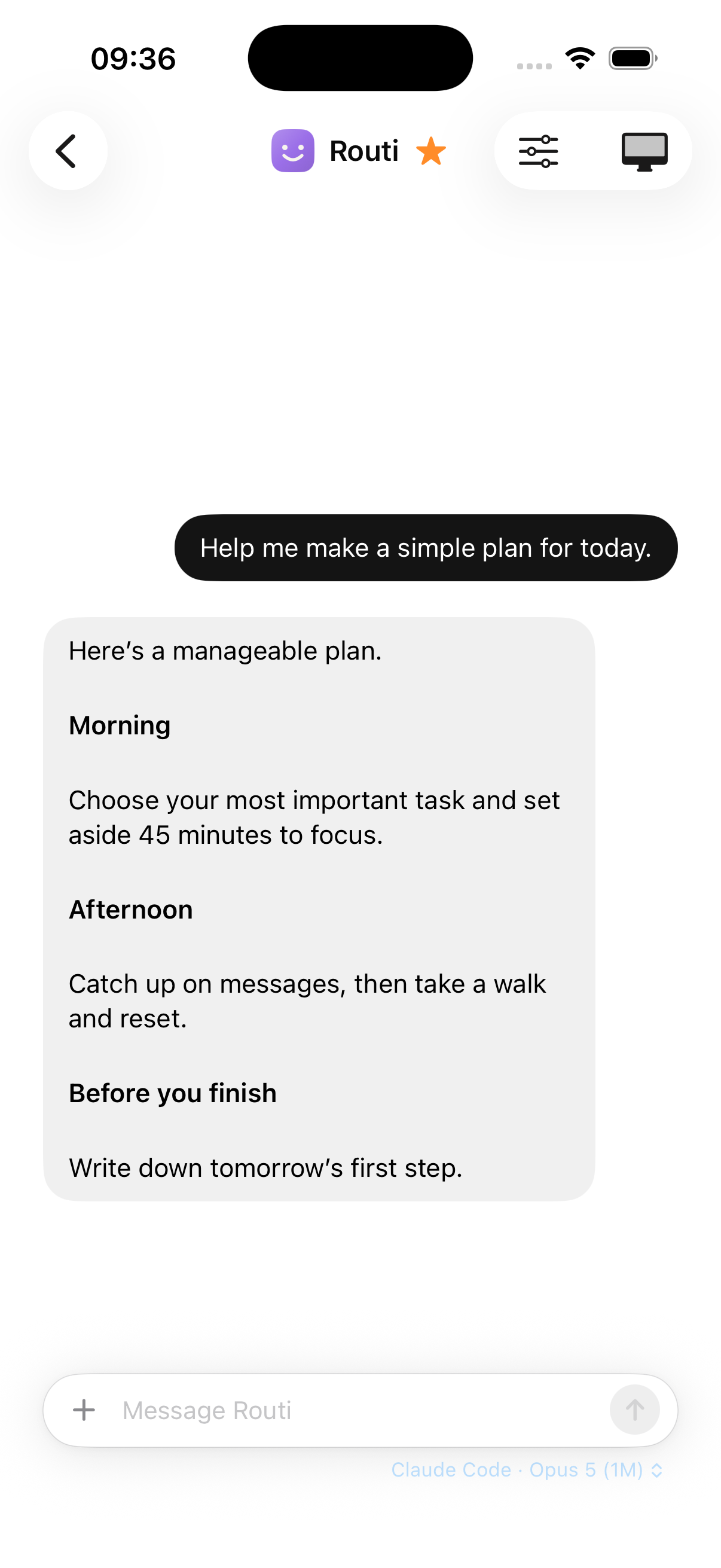
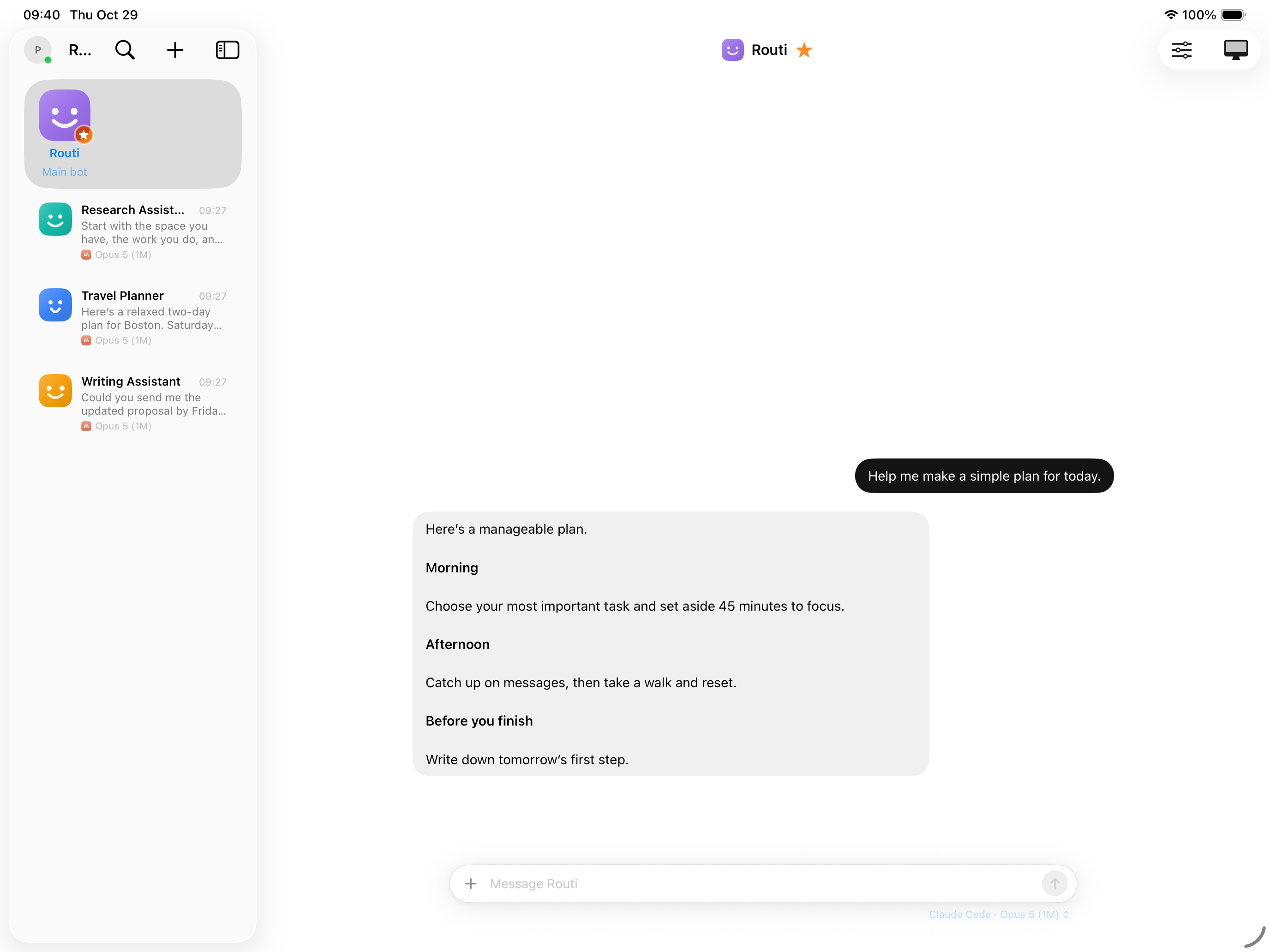
One familiar place to start. Pick up the same conversation on your Mac, iPhone, or iPad.
 Routi Bot
Made for your Mac. Built around you.
Give your bots a job and a place to work. Routi brings your AI, their desktops, and your everyday tasks together on your Mac.
Mac preview · Bring your own AI account or API key
Your AI. Your choice.
A home for the work you hand off
Keep travel planning, research, writing, and recurring jobs in separate conversations. Each bot can have its own instructions, AI connection, and screen.
One familiar place to start. Pick up the same conversation on your Mac, iPhone, or iPad.
Compare options, work through websites, and turn what it finds into something useful.
Ask a bot to check a price or prepare a regular summary. Your Mac does the work while it stays on and connected.
Their workspace. Your control.
Bots can browse in separate Linux desktops on your Mac. Open a screen to see what’s happening or take over when you need to.
The Mac app includes what your bots need to run. On a supported Apple silicon Mac, you can start their desktops without installing Docker separately.
Choose the connections a bot can use. Set supported actions to Allow, Ask, or Deny, and review requested actions before approving them.
Use a supported provider subscription or API key. Switch connections without moving your bots into a different app. Provider costs and limits still apply.
Instinct mode · Pilot feature
Text your main bot through Apple Messages. The conversation also lives in Routi, so you can follow up from either place.
Best on a dedicated Mac mini or iMac: sign Messages into a separate bot Apple Account, then let Routi’s setup wizard connect your iPhone.
The Mac must stay on and connected. A separate bot account keeps your personal Messages inbox separate; it doesn’t give the bot access to your iPhone’s inbox.
Find your fit
Different tools suit different jobs. Here’s where Routi fits.
Swipe to compare
| Start here | A good fit when… | What to consider |
|---|---|---|
| Routi Bot | You want personal bots, their own desktops, and a native Mac app with phone access. | You need a Mac that stays on, plus your own supported AI account or API key. |
| Your AI chat app | You mainly want to ask questions, write, or work directly with one provider’s features. | Available tools, automation, and account limits depend on the provider and plan. |
| OpenClaw | You want an open-source agent toolkit to configure and extend across platforms. | You manage its setup, channels, tools, and ongoing configuration. |
Explore OpenClaw’s setup. Routi is made by Laboros AI and is a separate product.
Simple, separate costs
Your AI account pays for the AI. Routi Connect pays for the optional remote connection.
Routi Bot for Mac
Free during the preview
Your bots and their workspaces on your own Mac.
Optional · Routi Connect
$4.99 USD / month at launch
Reach your Mac from iPhone and iPad without setting up your own network connection.
iPhone and iPad App Store release pending.
Monthly subscription renews until canceled. AI usage is separate. Local and Tailscale connections don’t require Routi Connect.
Before you start
A Mac, a supported AI account or API key, and an internet connection. The bundled desktop uses Apple silicon and macOS 26 or later. The Mac app supports macOS 14 or later; older systems can use Docker for bot desktops.
Your Mac runs Routi Core, stores conversations, and hosts bot desktops. Your chosen AI provider processes the content needed for a task under its own terms. “Runs on your Mac” doesn’t mean the AI model runs offline.
Routi supports sign-in with selected provider accounts, including Claude and Codex, as well as API keys. Availability depends on the provider and your plan. Routi doesn’t include unlimited model usage.
We recommend a dedicated Mac signed into Messages with a separate bot Apple Account. You don’t need another Mac just to use Routi’s app. Instinct mode is optional and its setup checks that you’re using a separate Messages account.
Google integrations are in limited testing while Google’s verification and the required security review are pending. They aren’t generally available yet. The settings distinguish Google’s granted access from Routi’s own bot controls.
Yes. You can connect directly on your network or through Tailscale. Routi Connect is the optional managed remote connection. The iPhone and iPad app is currently in testing and awaiting App Store release.
Routi Bot is a proprietary product by Laboros AI, Inc. It includes third-party software under its respective licenses.
A small group. Real everyday work.
We’re welcoming our first testers. Tell us what you’d like a bot to help with, and we’ll help you get started.
An email to William, founder of Laboros AI.